
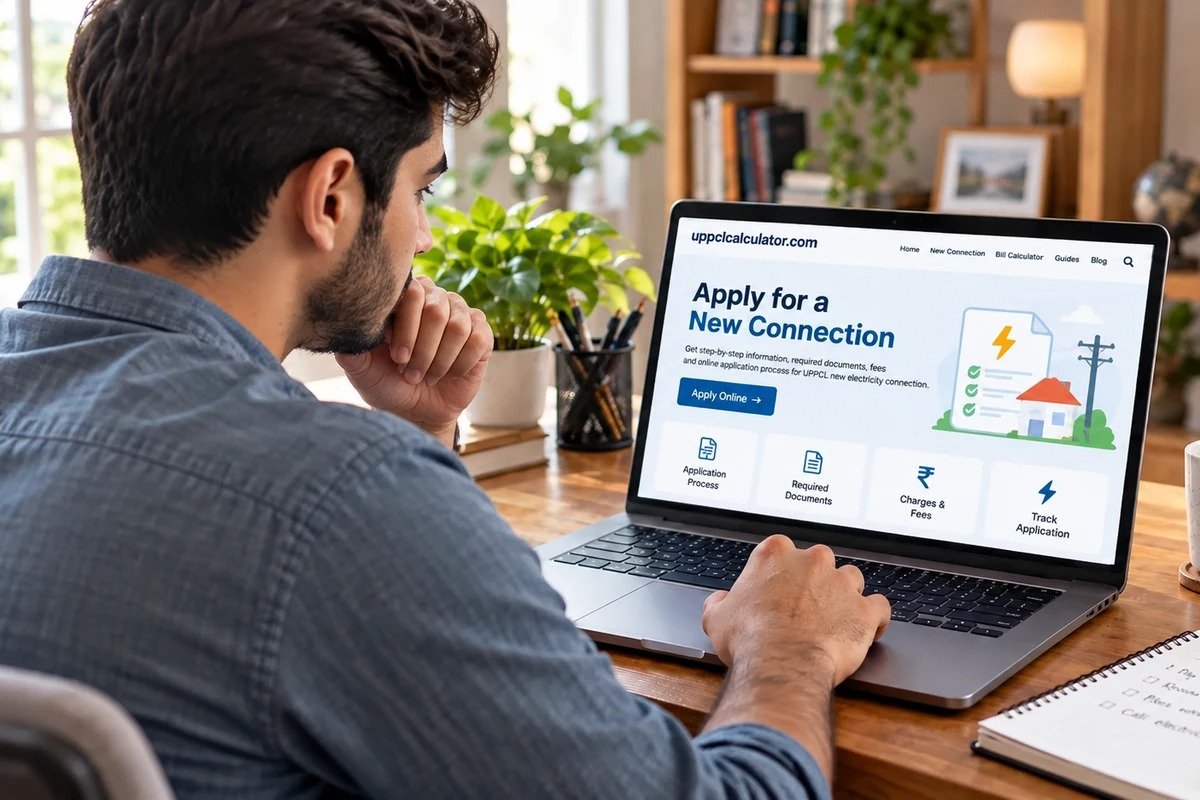
You can apply for a new UPPCL electricity connection online through the Jhatpat Portal, whether it’s for a home, a shop, or a property you’ve just finished building. What slows most people down isn’t the form.
It’s missing documents, a realistic load estimate, or a surprise cost at the payment stage. Here’s what to sort out first, how to apply, and what to expect after you submit.
What Is the UPPCL Jhatpat Connection?
Jhatpat Connection is UPPCL’s online system for applying for a new electricity connection without visiting a division office. You register, upload your documents, and watch your application move forward from your phone or laptop. It covers both homes and businesses, and it replaces the older process of standing in line with paper forms.
Who Can Apply for a Jhatpat UPPCL Connection?
Your category decides which documents you’ll need and which load limits apply to you.
| Category | Who It’s For | What’s Different |
|---|---|---|
| Domestic (Urban/Rural) | Homeowners, residents | Standard documents |
| BPL Families | Below Poverty Line households | Lighter paperwork, possible subsidy (check current terms on the portal) |
| APL Consumers | Above Poverty Line households | Standard domestic process |
| Commercial/Shop Owners | Shops, small offices | Needs business proof, like GST or a shop certificate |
| Tenants | Renters | Needs an NOC or rent agreement from the owner |
| Temporary/Agricultural | Construction sites, events, farms | Follows a separate application path |
If you’re not sure which category fits, pick the one that matches your property use. The portal will ask you to confirm it anyway.
Documents Required for UPPCL New Connection
Keep these ready before you log in. Half-finished applications usually stall because a document wasn’t scanned or didn’t match.
Identity proof (pick one):
- Aadhaar card
- PAN card
- Voter ID or passport
Property proof (depends on your situation):
- Sale deed, registry, or property tax receipt if you own the property
- Rent agreement or NOC from the owner if you don’t
A few more things you’ll need:
- A passport-size photo
- A simple sketch or description of your location, so the lineman can find it
- A GST or shop certificate, if you’re applying for a commercial connection
Document rules shift slightly between disco circles. If something on your checklist looks different from what the portal asks for, go with what the portal says.
UPPCL New Connection Fees
What you pay depends on three things: your sanctioned load, whether it’s a domestic or commercial connection, and which discom circle you fall under. UP’s four discos don’t always charge the same rates.
| Charge | What It Covers | Refundable? |
|---|---|---|
| Registration Fee | Filing your application | No |
| Security Deposit | Based on expected usage | Yes, it’s adjusted against future bills. |
| Meter Cost | The meter stays UPPCL’s property. | No |
| Service Line Charges | Only if a new line needs to reach your property | No |
Rates are set through official tariff orders and get revised now and then. Rather than quote a number here that might be outdated by the time you read this, use the fee calculator on the Jhatpat portal. It’ll show you the exact figure for your load and connection type before you pay.
How to Apply for UPPCL New Connection Online
- Register on the portal. Sign up with your mobile number and email, then verify with an OTP.
- Choose a realistic load. Pick too low and you’ll likely need an upgrade later. Pick too high and you’ll pay more in deposit than you need to. If you’re unsure what load fits your home or shop, check our sanction load calculator first.
- Fill in your details. Match your name, address, and property status exactly to what’s on your documents. Small mismatches are one of the most common reasons applications get stuck.
- Upload your documents. Keep file sizes small so the upload doesn’t fail.
- Pay the fee. Once you pay, save your application number. You’ll need it to track your status.
- Wait for the site survey. A lineman may visit to check the connection point before UPPCL approves the application.
How Long Does a UPPCL Connection Take?
The time it takes depends on your disc circle, local office workload, and whether your documents clear the first review. UPPCL publishes official service standards for these timelines. Check the Jhatpat portal for the most accurate estimate for your area.
Tenants, Shops, and Other Special Cases
If you’re renting, you’ll usually need the owner’s NOC or a signed rent agreement. Some circles accept an affidavit if the owner isn’t reachable. It’s worth asking your local office directly if this applies to you.
Shop owners sometimes need a trade license or GST registration on top of the usual ID proof. And if there’s no electricity pole near your property, UPPCL may charge extra for extending the line. That cost sits separately from the standard connection fee.
How to Track Your UPPCL Connection Status
- Open the Track Status page on the Jhatpat portal.
- Enter your application number or registered mobile number.
- Check where things stand: submitted, under review, survey scheduled, or approved.
If nothing has changed in a few days, that’s usually worth a call to your local office rather than waiting it out.
Common Issues and How to Fix Them
| Issue | Likely Cause | What to Do |
|---|---|---|
| Application stuck at “pending” | A document didn’t match or was scanned poorly. | Re-upload clear, correct documents. |
| Paid, but status hasn’t updated | Payment gateway delay | Give it a day or two, then contact support with your receipt. |
| No lineman visit scheduled | Survey backlog, or your address wasn’t clear. | Call your local division office with your application number. |
After the Meter Is Live
Once your meter goes live, register on UPPCL’s consumer portal so you can view bills, pay online, and raise complaints if something goes wrong. Hold onto your consumer number. You’ll need it for pretty much everything after this point.
UPPCL App and Customer Care
The UPPCL app lets you apply for a new connection, pay bills, and track your status from your phone. If you prefer to speak with someone, dial 1912 for general queries or 1800-410-1912 for toll-free support. For specific help with a new connection application, call the dedicated support line at 0522-4918600. You can also find these details on the official website at uppcl.org.
Why People Choose the Jhatpat Process
It cuts out office visits. You can track your application in real time. And for BPL applicants, the paperwork is lighter than the standard process. None of this guarantees a fast approval, but it does remove a lot of the friction that used to come with applying offline.
FAQs
Can I apply without Aadhaar?
Yes. A voter ID or passport works as alternate identity proof.
Will UPPCL give a connection if the landlord refuses to sign?
Some circles accept an affidavit instead of the owner’s NOC. Check with your local division office to confirm.
Is e-District still used for a new electricity connection?
The Jhatpat portal is now the main channel. If you’re unsure whether e-District still applies in your area, ask UPPCL directly.
What if my area has no nearby pole?
UPPCL may charge for extending the line to your property. This cost comes on top of the regular connection fee.
How can I check my UPPCL new connection status by name?
Use your application number on the Track Status page. It’s more reliable than searching by name alone.
What are the UPPCL new connection fees for domestic users?
It depends on your load and the distance of the circle. The fee calculator on the portal will give you the exact number.
What is the UPPCL toll-free number for customer care?
You’ll find the current number listed on the official UPPCL portal and app.
Can I apply for a new connection through the UPPCL app?
Yes. The app supports new applications, bill payment, and status tracking.