
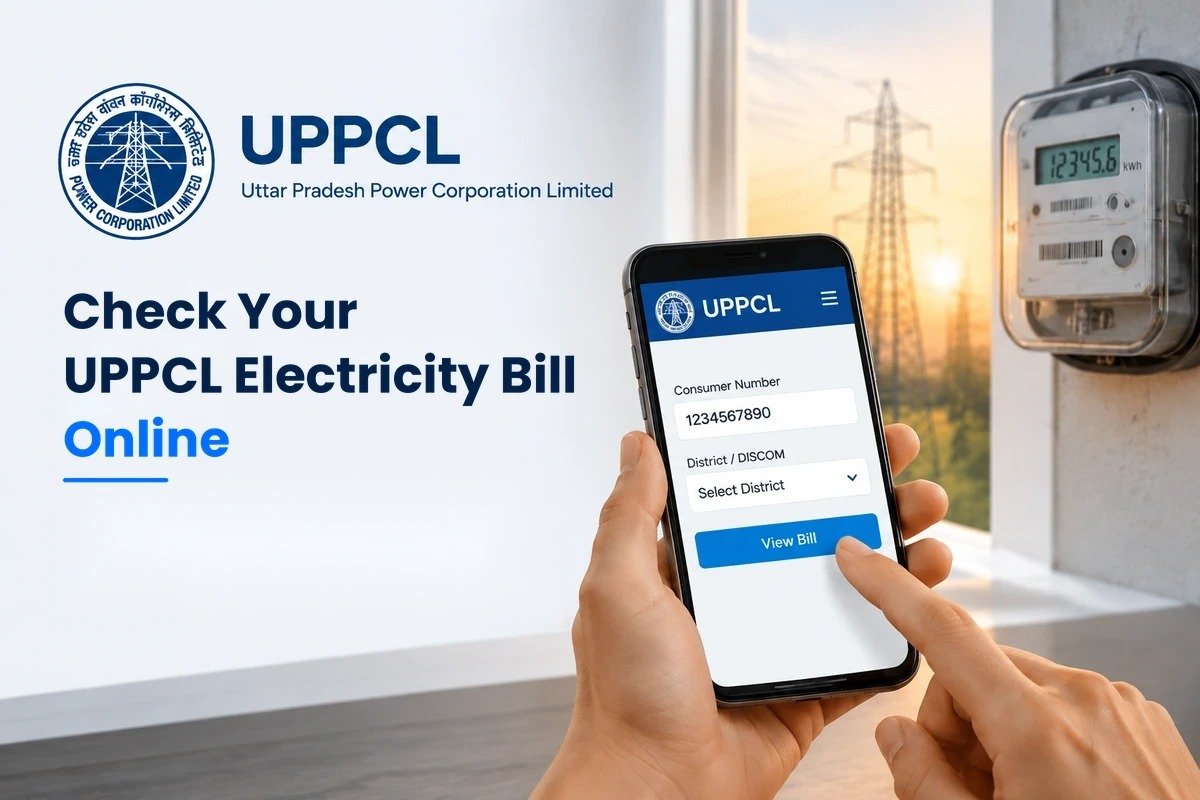
Learn how to check the UPPCL bill online using the official portal, mobile app, SMS, or WhatsApp. View your bill amount, due date, and electricity units easily.
You don’t have to wait in line or visit the electricity office just to check your UPPCL bill. Whether you use the official consumer portal on your browser or the official mobile apps, you can pull up your latest bill amount, due date, and usage details in just a couple of minutes.
All you need is your account number or the registered mobile number linked to your connection. This process is exactly the same across all five local DISCOMs (DVVNL, MVVNL, PVVNL, PuVVNL, and KESCO), whether you live in a big city like Lucknow or Kanpur, or in a smaller rural block.
You can also calculate your electricity bill by using our calculators:
- Check your latest PVVNL bill.
- Check your latest PUVVNL bill.
- Check your latest DVVNL bill.
- Check your latest MVVNL bill.
- Check your latest KESCO bill
Alternative Methods
- Sometimes the main website gets slow, especially on busy billing days.
- If that happens, you have a few easy backup options.
- You can also use payment apps such as Google Pay, Paytm, PhonePe, or PayZapp.
- Simply open the smart application and navigate to electricity bill payments, select UPPCL, enter consumer number, and fetch the latest live due amount instantly through these legit digital wallet apps and banking apps.
What You Need Before You Check Your UPPCL Bill
- Before starting, ensure you have a working internet connection and your 10-digit account number (or 12-digit number on older bills) found on the bill header of a recent bill.
- You will need your district name and DISCOM name; use Know Your DISCOM tools on the main consumer site (consumer.uppcl.org) if unsure.
- Always use official UPPCL websites, such as uppcl.org or consumer.uppcl.org.
- You should never have to share your OTP or card details just to view your bill.
How to Check UPPCL Bill Online on the Official Website
- Go to consumer.uppcl.org to check your bill online.
- You can check your current bill right there without having to sign up or create an account.
- On your phone or computer, look for View Latest Bill, Bill Payment, or Quick Bill Payment (depending on labels shown that day).
- Select the district and DISCOM, enter your 10-digit account number or use the registered mobile number option if it appears, complete the CAPTCHA, and tap View to see the payable amount, units consumed, and arrears pending.
How to Check the Bill With a Registered Mobile Number
- If your printed bill is not found, use the registered mobile number route on the same portal.
- Select the district and DISCOM, choose the Registered Mobile Number option instead of Account Number, and enter the phone number linked to the connection.
- Verify with OTP and tap View; this works only if the number is on record.
- If the portal says the number is not registered, switch back to the account number and update the mobile number later via the Consumer App, recent bill QR code, or helpline 1912.
How to Find Your New 10-Digit Account Number
- For rural consumers with a 12-digit number, you must convert the old number on the consumer portal.
- Visit the Know Your New Account Number page (consumer.uppcl.org/wss/know_new_acc), select a district, enter the old rural account number, complete the CAPTCHA, and tap View to save a new 10-digit number.
- Use this 10-digit number on the website, apps, and UPI billers.
- If the converter does not return a result, call 1912 with your name, address, and old account number.
How to Check UPPCL Bill on the Official Apps
- For a UPPCL bill check on apps, download the official apps that cover most consumers from the Google Play Store or Apple App Store.
- Always confirm the publisher and verify the publisher name before you install anything to ensure you get an authentic app among the official mobile apps.
UPPCL Consumer App
- The UPPCL Consumer App, published by U. P. Power Corporation Limited, serves consumers of PuVVNL, MVVNL, DVVNL, and PVVNL.
- After you install the UPPCL Consumer App, select the district, enter the Account ID, and verify the OTP sent to the registered mobile number.
- You can open Bill and Payment History or check the current bill tile on the home screen, which is useful if you check bills every month for monthly bill check receipts or to update contact details and use Trust-Meter Reading for self-bill generation.
- It is available in Hindi and English.
UPPCL SMART App
- The UPPCL SMART App is the official app for smart-meter consumers and prepaid consumers with a prepaid meter, though official UPPCL posts also tell postpaid consumers to check bills here.
- The Play Store listing covers MVVNL, PVVNL, DVVNL, PuVVNL, and KESCO.
- After login, you can view the latest bill, bill history, prepaid balance, and daily consumption or monthly consumption for usage tracking.
- Smart-meter users recharge directly from the same screen, making it ideal for a KESCO connection to get usage plus payment in one place.
How to Check UPPCL Bill by SMS
- For a quick check of the UPPCL bill by SMS when no smartphone browser is needed, use the SMS method to get the amount and due date.
- Use the widely used format BILL <account number> and send to 5616195 from your registered mobile number (e.g., BILL 1234567890).
- The reply typically includes bill amount, units, and due date.
- If there is no reply, the sending number may not be registered, the account number may be wrong, or the SMS service may be busy, so try the website next or try WhatsApp next as a fallback option for bill enquiry by SMS.
- Save the DISCOM-wise WhatsApp numbers to use the DISCOM-wise chatbot:
- DVVNL WhatsApp number 8010957826
- PVVNL WhatsApp number 7859804803
- MVVNL WhatsApp number 7669003409
- PuVVNL WhatsApp number 8010968292
- KESCO WhatsApp number 8287835233
- Send “Hi” or “Hello” to start the menu and choose the bill option.
- Always use only department numbers and do not share OTPs or card details with other WhatsApp accounts claiming to be UPPCL.
- You can also call 1912 for agent support to ask the agent to read the latest bill details after they verify your connection.
How to Download the Bill PDF and See Old Bills
- To download a PDF, open the current-bill screen on the official portal or Consumer App and click Download Bill.
- Save the file with the month in the file name (e.g., UPPCL-June-2026.pdf) for rent, office reimbursement, or bank needs.
- For older months, open Bill Payment History via OTP login using your registered mobile number.
- If a month is missing, the bill may not have been generated yet, especially in the first half of the month for smart-meter consumers.
- Keep a paid copy and unpaid copy to compare units or compare meter readings during a billing dispute.
What the Online Bill Screen Usually Shows
- When your online bill screen opens, check the important details before making a payment or raising a complaint.
- Look at the consumer name and address, account number, bill month, bill date, present and previous meter reading, units billed, current charges and arrears, due date, and payment status.
- If your name or address is wrong, it does not always mean the bill amount is incorrect.
- You can update your contact details so that your future bills and SMS alerts reach you correctly.
- Recent UPPCL bills may also have QR codes that you can use to add or verify your mobile, WhatsApp, and email details.
- If you notice a sudden jump in units, first compare the meter reading on the bill with the reading shown on your actual meter.
- If the reading looks wrong, take a clear photo of the meter as proof.
- You can then request a bill correction or submit a meter complaint through the consumer portal, or call 1912 for help.
Common Problems When Checking the Bill Online
- If the portal does not open due to internet connection issues or billing days making the website slow, try another browser, switch from Wi-Fi to mobile data, or use the app, SMS, or WhatsApp.
- If CAPTCHA keeps failing, refresh the page, type carefully, or use the OTP option.
- For a wrong account number, copy from an old bill and do not add spaces.
- If your mobile number is not linked, the OTP route fails, so update the number via the local office.
- If the bill shows zero, it means the bill has not been generated yet.
- If you paid but the site shows due, online payments take time, so save the receipt and transaction ID.
- For gateway issues, contact BillDesk helpdesk (payment.uppcl@billdesk.com, 1800202240) or PayU helpdesk (uppcl.support@payu.in, 18002021810).
- After using a third-party app or UPI apps, confirm the status on consumer.uppcl.org.
Safe Ways to Pay After You Check the Bill
- Checking the bill and paying the bill are separate steps.
- Once the amount looks correct, pay on the official portal, in the Consumer App, in the UPPCL SMART app, via UPI apps that list UPPCL, or at authorized counters, CSCs, and collection points announced by your DISCOM.
- Avoid sites that ask for a fee to unlock the bill, as UPPCL does not charge to view your own bill.
- After payment, download the receipt from Last Online Receipt or Payment History and keep the SMS confirmation.
- If the bill is wrong, pay the undisputed amount to reduce late payment risk, then file a complaint with a meter photo and downloaded bill.
- Unresolved billing disputes can go to the DISCOM office or Consumer Grievance Redressal Forum.
Conclusion
To check your UPPCL bill without standing in a queue, use the official consumer portal with your 10-digit account number or registered mobile number, and keep the Consumer App or UPPCL SMART app for monthly tracking. Use SMS or WhatsApp if the website is slow, save your 10-digit account number, keep registered mobile numbers updated, and download the PDF for proof. If the amount looks wrong or the meter reading looks wrong, use 1912 or portal complaint options before the due date.
Disclaimer
This article disclaimer provides general consumer guidance based on official UPPCL channels and publicly described processes. Portal labels, app screens, account number formats, and support numbers can change, so always verify details on consumer.uppcl.org or uppcl.org, or by calling 1912. This is not legal advice, not financial advice, and not billing advice for a specific connection.
FAQs
What information do I need to pay my UPPCL electricity bill online?
- For UPPCL electricity bill online payment, the required information includes your Account / Consumer Number (a unique identification number like a 10-digit number or 12-digit number printed on physical bill), your Discom / district / electricity zone (e.g., PVVNL, PUVVNL, MVVNL, DVVNL, KESCO), and a registered mobile number for billing notifications and transaction updates.
- You will also need to enter a captcha code for screen verification to proceed to fetch bill details, along with payment credentials like active net banking, UPI ID, debit card, credit card, or mobile wallet details to complete the final transaction.
Can I check someone else’s UPPCL bill online?
- You can check someone else’s UPPCL bill online and view a bill if you have the connection’s account number, because the guest view is account-based.
- However, due to full history restriction and privacy, do not use this to access another household’s full history or change registered mobile number.
- Those actions need OTP on the number already linked to that connection for connection verification via OTP.
How can I check my UPPCL bill if I do not have the account number?
- To check UPPCL bill without account number when you do not have the account number, use the registered mobile number option on consumer.uppcl.org or log in to the official app with OTP.
- If that fails, call 1912 with the connection address and a previous bill, or visit the local division office.
Is the UPPCL Consumer App the same as UPPCL SMART?
- The UPPCL Consumer App and UPPCL SMART are not the same.
- The Consumer App is UPPCL’s official account app for most postpaid consumers in four DISCOMs.
- In contrast, smart-meter users and prepaid users rely on UPPCL SMART, which supports bill view and supports payment for covered DISCOMs, including KESCO.
What if my UPPCL bill is not showing online this month?
- If your UPPCL bill is not showing online or not showing online this month, wait a day and check again, then try WhatsApp or call 1912.
- Smart-meter bills are issued on a fixed cycle during the month.
- If others in your area received bills but the bill is still missing, register a complaint and ask for a duplicate bill.
What is the UPPCL electricity bill Consumer Number?
- The Consumer Number on your UPPCL electricity bill is a unique identifier and 10-digit identifier (or 10-digit consumer number) mentioned on your UPPCL electricity bill.
- It acts as a bill identifier to track account details, bill status, and payment history.