
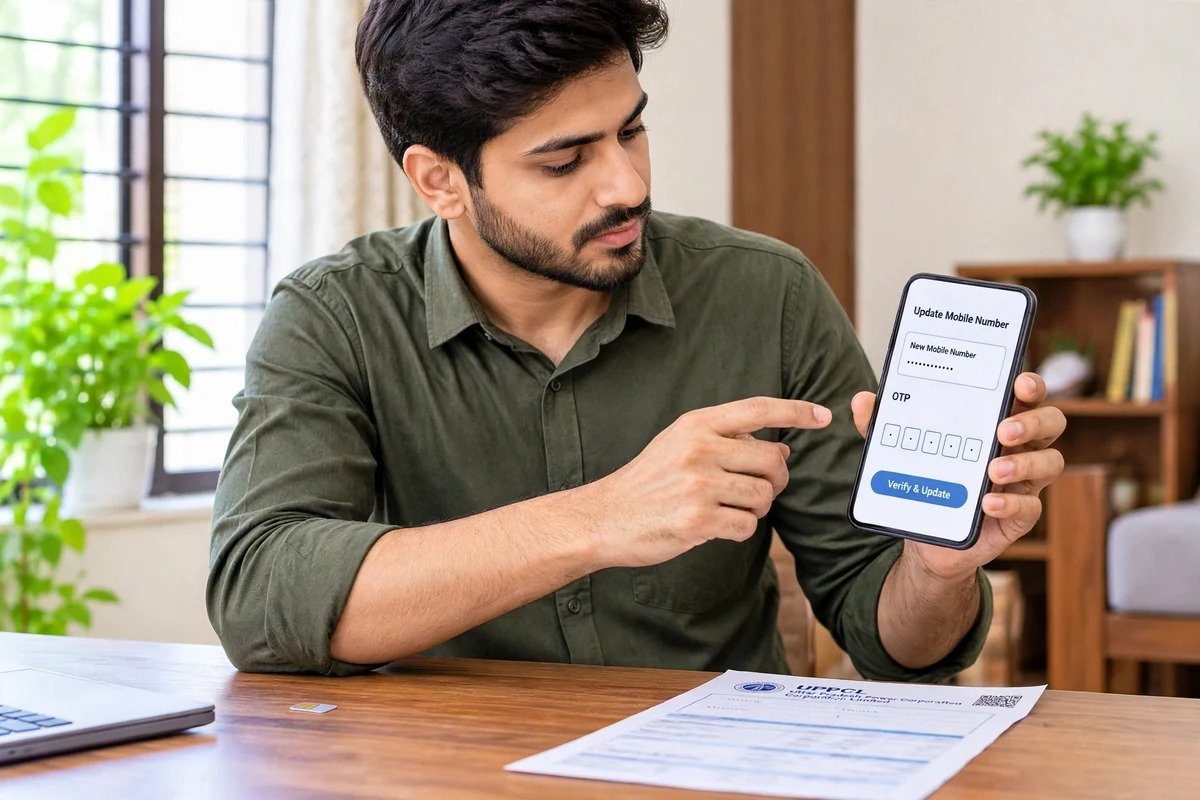
Change mobile number in UPPCL online with OTP, use the Aadhaar option if your old SIM is dead, or apply at your office. Simple steps, documents, and 1912 help.
A new SIM or an old number you no longer use?
Your Uttar Pradesh Power Corporation Limited (UPPCL) bill alerts, payment confirmations, and outage notices are still going to the number on record. You can easily update it online if your old number still receives OTPs. If it doesn’t, try the Aadhaar option, call 1912, or visit your nearest electricity office.
Read this guide to change your mobile number in UPPCL. Each route has its own short steps, so you only need the part that fits you.
Choose How to Update Your UPPCL Registered Mobile Number
Your next step depends on your old number. Find your case below.
| Compare | Portal or app | Aadhaar option | Office visit |
|---|---|---|---|
| Old number needed? | Yes, for OTP | No, but you need your Aadhaar-linked number | No |
| Documents | Usually none | Usually none | Bill, ID proof, application |
| Where | Official portal or app | Official portal | Subdivision or division office |
| Use it when | Old SIM works | Old SIM is dead, and the option opens | Online options fail |
| Your proof | Reference number or screenshot | Reference number or screenshot | Stamped acknowledgment |
What You Need Before You Start
- Electricity account number (also called your consumer number) from your bill, not the meter serial number
- District and DISCOM:
- New 10-digit mobile number that is active
- Old mobile number, if you still have it
- Recent bill and valid ID proof, if you plan to visit the office
No bijli bill nearby? Read how to check your UPPCL bill online. Not sure of your discom? See how to identify your UPPCL DISCOM.
How to Change Your Mobile Number in UPPCL Online
If your old number still gets OTPs, update your registered mobile number on the UPPCL consumer portal like this:
- Open the official UPPCL consumer portal.
- Go to Service Request and choose Mobile Number and Email Updation.
- Select your district. Pick your DISCOM if the page asks.
- Enter your account number and click Continue.
- Type the OTP sent to your old number.
- Enter your new number. If the portal sends an OTP to it, enter that too.
- Submit the request.
Save the success message, reference number, or a screenshot. You will need it if the change doesn’t show up. Menu names can change, so follow what the live portal shows.
Update Your Mobile Number in the UPPCL Consumer App
- Log in to the official UPPCL consumer app.
- Open Profile, Account Details, or Update Contact Details.
- Enter your new number and verify it with the OTP.
- Submit, then check for a confirmation message.
Get the app only from the official UPPCL website or a verified app store. If you can’t find the option, use the website instead.
Change Your UPPCL Mobile Number Without the Old Number
The standard online steps need an OTP on your old number. If you can’t get it, you have two choices.
Option 1: Update Mobile Using Aadhaar (Aadhaar-Based Mobile Update)
- On the official portal, open Update Mobile Using Aadhaar.
- Select your district, enter your account number, and click Continue.
- Follow the identity checks on screen.
This usually sends an OTP to the number linked with your Aadhaar. If the portal stops you, go to Option 2.
Option 2: Apply at your subdivision or division office for a mobile number correction
- Find your subdivision or division office. Your bill may list it, or 1912 can tell you.
- Take your latest bill, ID proof, and new number.
- Tell the staff your old number is unavailable. A handwritten application.
- Ask for a stamped acknowledgment.
Smart meter accounts
The process may be different. Ask 1912 or your local office before you apply.
Documents and Application Format for the Office Visit (Mobile Number Correction Sample)
| Document | Needed? | Notes |
|---|---|---|
| Latest electricity bill | Yes | Shows your account number and office |
| Valid photo ID | Yes | Aadhaar, voter ID, or driving licence |
| Written application | Yes | Sample below |
| New mobile number | Yes | Must be active |
| Old mobile number | If you know it | Write “Not available” if lost |
| Authorization letter and your ID | If you apply for someone else | The office may also ask for it on owner or previous-occupant accounts |
Offices can ask for different papers, so check locally.
Sample application:
To,
The Sub-Divisional Officer/Executive Engineer
Electricity Distribution Sub-Division, [Name]
[Discom Name]Subject: Request to update registered mobile number
Respected Sir/Madam,
Please update the mobile number registered with my electricity connection. My old number is no longer available.
- Consumer name: [Name]
- Account number: [Number]
- Service address: [Address]
- Old mobile number: [Number / Not available]
- New mobile number: [Number]
I have attached my latest bill and ID proof.
Yours faithfully,
[Name, signature, and date]
UPPCL Helpline 1912 for Mobile Number Problems
- Helplines: 1912 or 1800-410-1912
- Call for: Portal errors, request status, smart meter questions
- Keep ready: Account number and whether your old number works
- Write down any complaint or reference number they give you
Never share an OTP, password, or full Aadhaar number with a caller who says they are from UPPCL.
How to Verify Your Updated Mobile Number on UPPCL
A submitted request is not the same as a finished update.
- Open Verify Profile or the account information service on the portal.
- Look for bill alerts or login OTPs on your new number.
- If you can’t confirm it, call 1912 with your account number and ask for the request status.
Common Problems and Fixes
| Problem | Fix |
|---|---|
| OTP not received | Check your network and make sure the SIM is active. Tap resend. If the old number is dead, use the Aadhaar or office route. |
| Invalid account number | Compare each digit with your latest bill. Older rural account numbers may need a lookup on the portal. |
| Wrong district or discom | Choose where the connection is registered, not where you live now. |
| New number already linked | UPPCL limits how many connections one number can have. You may need extra verification. |
| Website not responding | Try another browser or come back later. Don’t submit the same request again and again. Call 1912 if it continues. |
| Alerts still reach the old number | Check your request status before you apply again. |
Mobile Number Update vs. Name Change
They are two separate requests.
| Compare | Mobile number update | Name change |
|---|---|---|
| What changes | Contact details only | The registered account holder |
| Documents | Usually none online. ID and application at the office | Ownership proof such as a sale deed, rent agreement, or succession certificate |
| Where | Portal, app, or office | Usually the electricity office |
If the bill is still in someone else’s name, a mobile update will not fix it. You need a name transfer. Read this: How to Change Name in UPPCL Electricity Connection.
Fees, Timelines, and Connection Limits
| Question | What we know |
|---|---|
| Fee | UPPCL’s online instructions list no standard charge. Confirm before you pay anyone. |
| Processing time | UPPCL has not published a fixed timeline. |
| Connections per number | Reported as up to three. Check the current rule with UPPCL. |
FAQs
How do I update the mobile number on my UPPCL electricity bill?
Use the portal or app if your old number still gets OTPs. If it doesn’t, use the Aadhaar option or apply at your electricity office.
UPPCL mobile number kaise badle? (How do I change it?)
Go to Service Request on the official portal and choose Mobile Number and Email Updation. Enter your account number, verify the OTP on your old number, then add the new one.
Can I change my mobile number in UPPCL without going to the office?
Yes, if your old number still receives OTPs. The Aadhaar option may also work without a visit, but it may not open for every account.
Can I change my registered mobile number in UPPCL without an OTP?
Not with the standard online method, because it sends an OTP to your old number. Try the Aadhaar option if it opens for you, or apply at your electricity office.
My old SIM is lost or blocked. What should I do?
Try the Aadhaar option first. If the portal stops you, submit a written application at your subdivision office with your bill and ID proof.
How do I link a new mobile number to my electricity connection in Uttar Pradesh?
Use the same mobile number and email update service, then confirm the change through Verify Profile.
Can I update my email at the same time?
The portal service is called Mobile Number and Email Updation, so email may be editable there. Follow the options on screen.
How do I check the status of my update?
Use Verify Profile on the portal. You can also call 1912 with your account number and any reference number you saved.
Can one number be linked to more than one connection?
Yes, a limited number is allowed, reported as up to three. If your new number is already linked to other UPPCL accounts, you may need extra verification. Confirm the current rule with UPPCL.
Can a tenant change the number?
Possibly. The office may ask for the account holder’s authorization.
Who can I trust for help?
Only the official portal, the official app, 1912, and your electricity office. Never share an OTP with anyone else.