
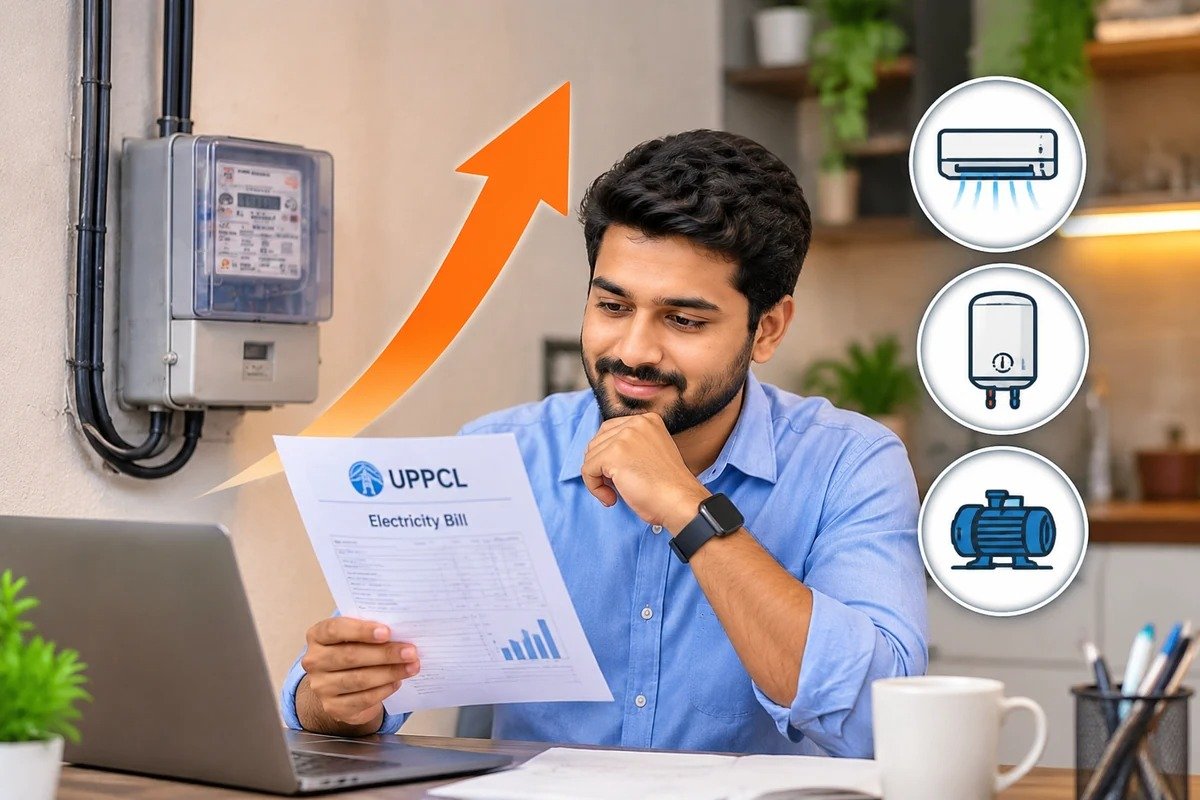
Learn how to increase UPPCL load online, including eligibility, required documents, charges, meter upgrades, and steps to track your load enhancement request.
Does your AC switch off when the geyser starts? Does the supply trip every time the pump runs? Your sanctioned load may be lower than what you now use. Eligible consumers can apply for UPPCL load enhancement online.
Below are the steps to apply, the documents to keep ready, what it will cost, whether you need a new meter, and what to do if UPPCL is slow to respond.
Quick Answer
Log in to the UPPCL portal and go to Consumer Services → Load Enhancement. Enter the new load, check the fee, submit, pay, and save the receipt.
Do You Need More Load?
You probably do if:
- The supply trips when several heavy appliances run together
- You have added an AC, geyser, EV charger, pump, or machine
- Your meter or bill shows demand above your sanctioned load
Using more than your sanctioned load can lead to penalties, so it is better to apply early.
How Much Load Do You Need?
Your number depends on what runs at the same time, not on everything you own. Most homes never switch on every appliance at once.
The quick way: Try our sanctioned load calculator. Pick your appliances, and it shows your kW figure.
Want to work it out yourself?
- Think of your busiest time at home, like a hot summer evening.
- Write down every appliance that runs then.
- Find the watts printed on each appliance label.
- Add them up and divide by 1,000. That gives you kW.
- Add 10 to 20 percent extra, so you have room to grow.
Example: A two-bedroom home at its busiest
| Appliance | Approx. watts |
|---|---|
| 1.5 ton AC | 1,800 |
| Geyser | 2,000 |
| Fridge | 200 |
| Fans, lights, and TV | 800 |
| Total | 4,800 W = 4.8 kW |
Add 15 percent and you get about 5.5 kW. So this home should ask for 5.5 to 6 kW.
Have a pump or motor? Motors pull extra power for a second when they start. Check the rating on the motor plate (1 HP is roughly 0.75 kW) and leave a bit more room.
These watts are only samples. Your labels may show different numbers.
What You Need Before You Apply
Start by paying any pending electricity bill. UPPCL expects your dues to be cleared before you begin an online load enhancement request.
Then keep these details handy:
- Account number: you need it to log in to your consumer account
- Registered mobile number: used for login and verification
- Current sanctioned load: the portal shows it, so just match it against your bill
- The load you want, in kW
Which documents will you need?
It depends on your consumer category and your new sanctioned load. Your category and current load appear on the portal, so you can check where you fit.
| Document | When it applies |
|---|---|
| Personal bond | Certain LMV-1 (domestic) connections |
| B&L form | Specified categories and load levels |
| Electrical Safety Directorate NOC | Higher-load cases |
| Agreement on a ₹100 affidavit | Specified categories and load levels |
You don’t have to prepare the personal bond or B&L form yourself. The portal can generate them. As per the September 2025 SOP, you can upload your documents within 60 days of starting the application.
What about payment?
The portal shows the processing fee and any additional security amount. You pay online.
How to Apply for UPPCL Load Enhancement Online
- Open the official UPPCL website. Skip third-party sites.
- Log in. New users need to register with their connection details and mobile number.
- Go to Consumer Services.
- Select Load Enhancement and pick your connection.
- Enter the new total load in kW. If the form asks only for the extra load, enter that instead.
- Check the fee on screen.
- Review your entries, accept the terms, and submit.
- Pay online.
- Download the receipt and note your reference number.
Menu names can change. Pick the closest match.
Can You Apply Offline?
Yes, in most cases. Visit your local electricity office with your latest bill, ID proof, and a written request. Staff will tell you which form and documents they need. Ask for an acknowledgement slip.
Charges and Bill Impact
The portal shows the exact amount before you pay. These factors decide it:
| Factor | Effect | Where to check |
|---|---|---|
| Load you add (kW) | A bigger increase usually costs more | Fee screen before payment |
| Consumer category | Domestic and commercial rates differ | Portal or UPERC tariff order |
| Additional work | Meter, voltage, or service-line changes may involve extra costs | UPPCL assessment |
| Fixed monthly charges | A higher sanctioned load can raise your regular bill | Your bill or tariff order |
These charges are separate from your monthly bill. The portal shows the exact amount before you pay.
Do You Need a New Meter?
| Your situation | Likely outcome |
|---|---|
| Small increase, meter and line can handle it | No change |
| The meter or service line cannot carry the new load | Replacement or upgrade |
| Single-phase to three-phase | An upgrade is usually needed |
UPPCL confirms this after it assesses your request.
Domestic vs Commercial Consumers
- Domestic: Requests are usually for smaller loads and need fewer documents.
- Commercial or industrial: Larger loads may need extra papers and a site check by UPPCL staff.
Track Your Application Status
- Log in and look up the status with your reference number.
- Keep the receipt for any follow-up.
- If nothing changes, call the helpline or visit your local office with the receipt.
How Long Does Approval Take?
The time depends on your load, category, and whether site work is needed. Ask the portal or your local office for the expected date for your case. Start using the higher load only after you get approval and any meter work is done.
Common Mistakes
| Mistake | Result | Fix |
|---|---|---|
| Entering the extra load when the form wants the total | Wrong load sanctioned | Read the field label |
| Details that differ from your bill | Delay or rejection | Copy from your latest bill |
| Using the new load before approval | Possible penalty | Wait for confirmation |
| Losing the receipt | Hard to track or escalate | Download it right away |
If Your Request Is Rejected or Delayed
- Ask for the reason in writing or on the portal.
- Fix any errors and apply again.
- Call the helpline and quote your reference number.
- Visit the local office with your receipt.
- If it is still unresolved, file a complaint through the official grievance channel.
Helpline and Support
Call the UPPCL helpline at 1912, or visit your local electricity office. Keep your account number and reference number ready.
FAQs
Can I increase my load from 2 kW to 3 kW?
You can apply if you are eligible. UPPCL decides after it assesses your connection.
Will my electricity bill go up?
It may, if your tariff has fixed charges linked to sanctioned load. Units used are billed as usual.
Do I need a new connection?
No. The request is for your current connection. See the meter table for when an upgrade applies.
Can I use the extra load right after applying?
No. Wait for approval.
Can I reduce my load later?
You can apply for a load reduction. The rules differ, so check them first.
Can I apply without going to an office?
Yes. The whole process can be done on the portal.
Related Services
- Reduce Load: Load reduction guide
- New Connection: Application guide
- Pay Electricity Bill: Payment page
- File a Complaint: Grievance page